How it works
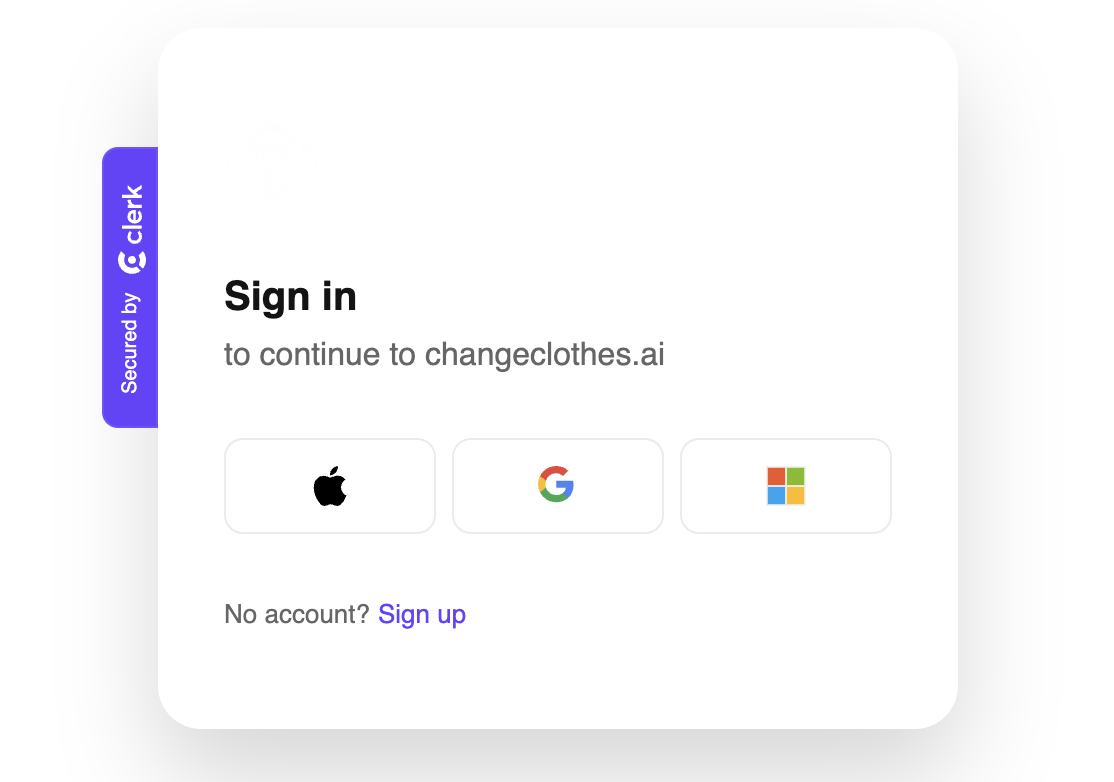
Step One - Sign In:
Begin by logging in to access your dashboard. You can use your Google, Microsoft, or, an Apple Account.
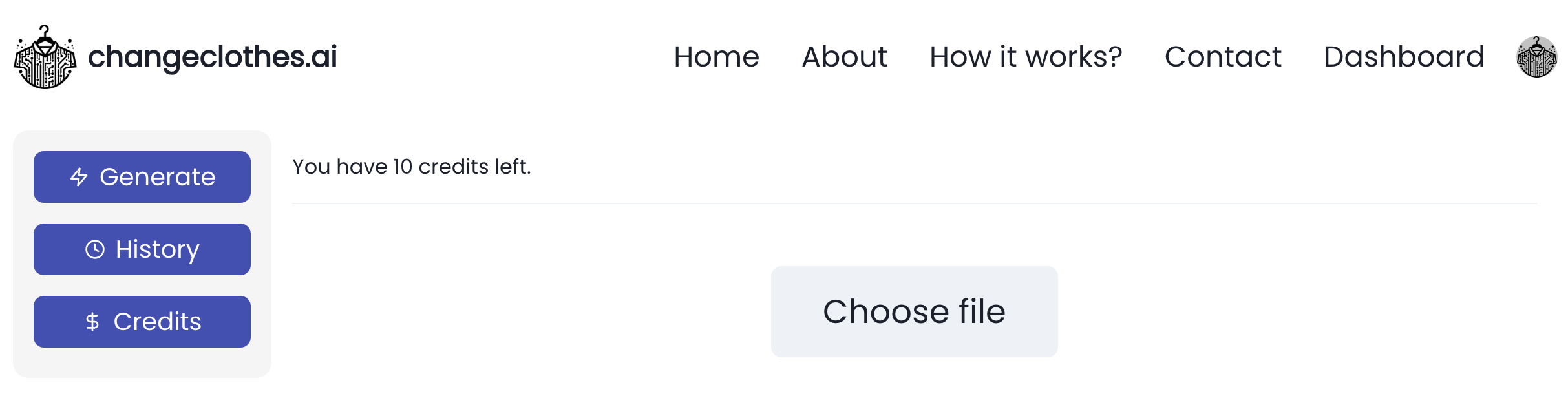
Step Two - Upload Image
By clicking on "Choose file". Then, select the image you want to edit.
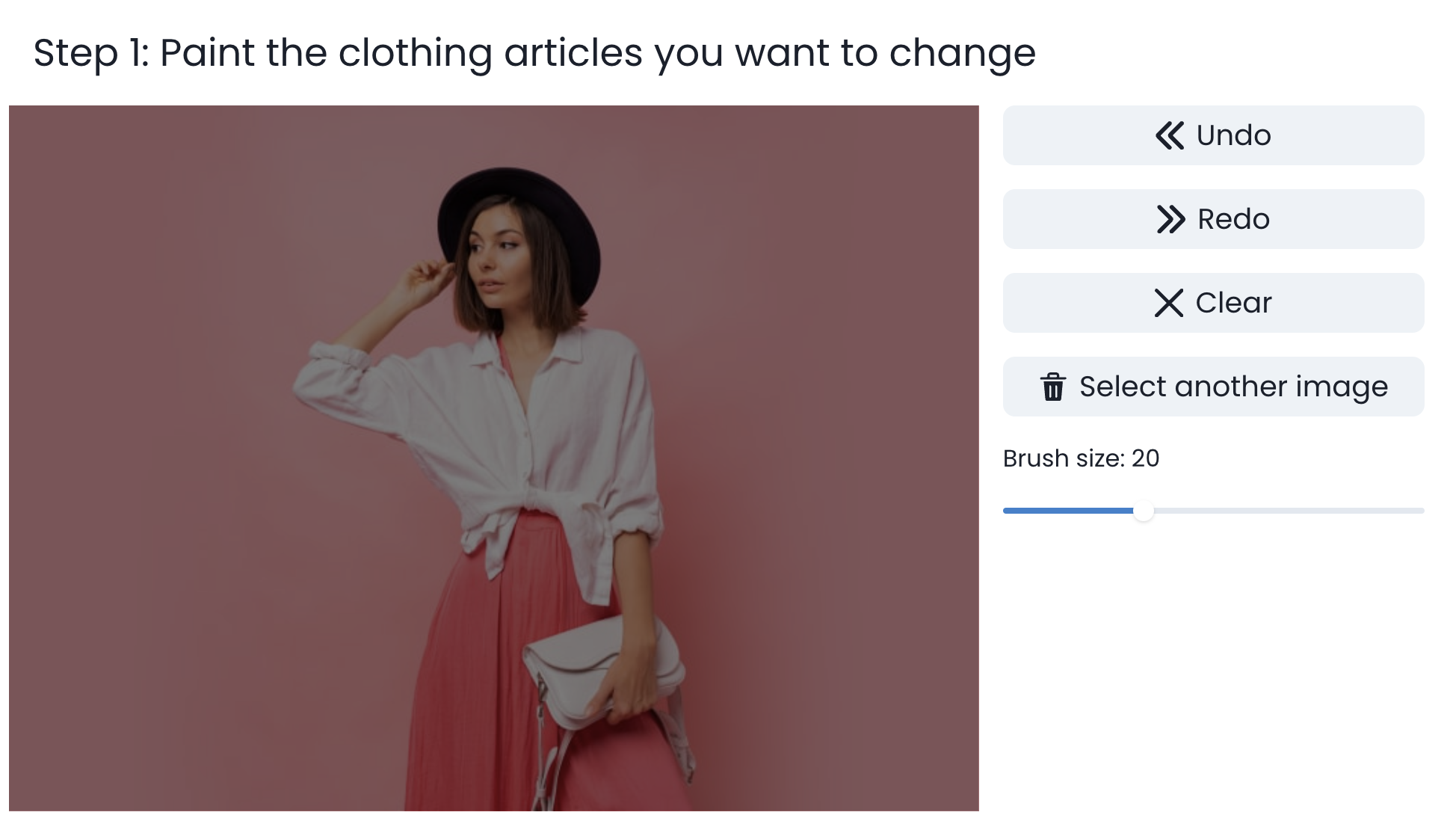
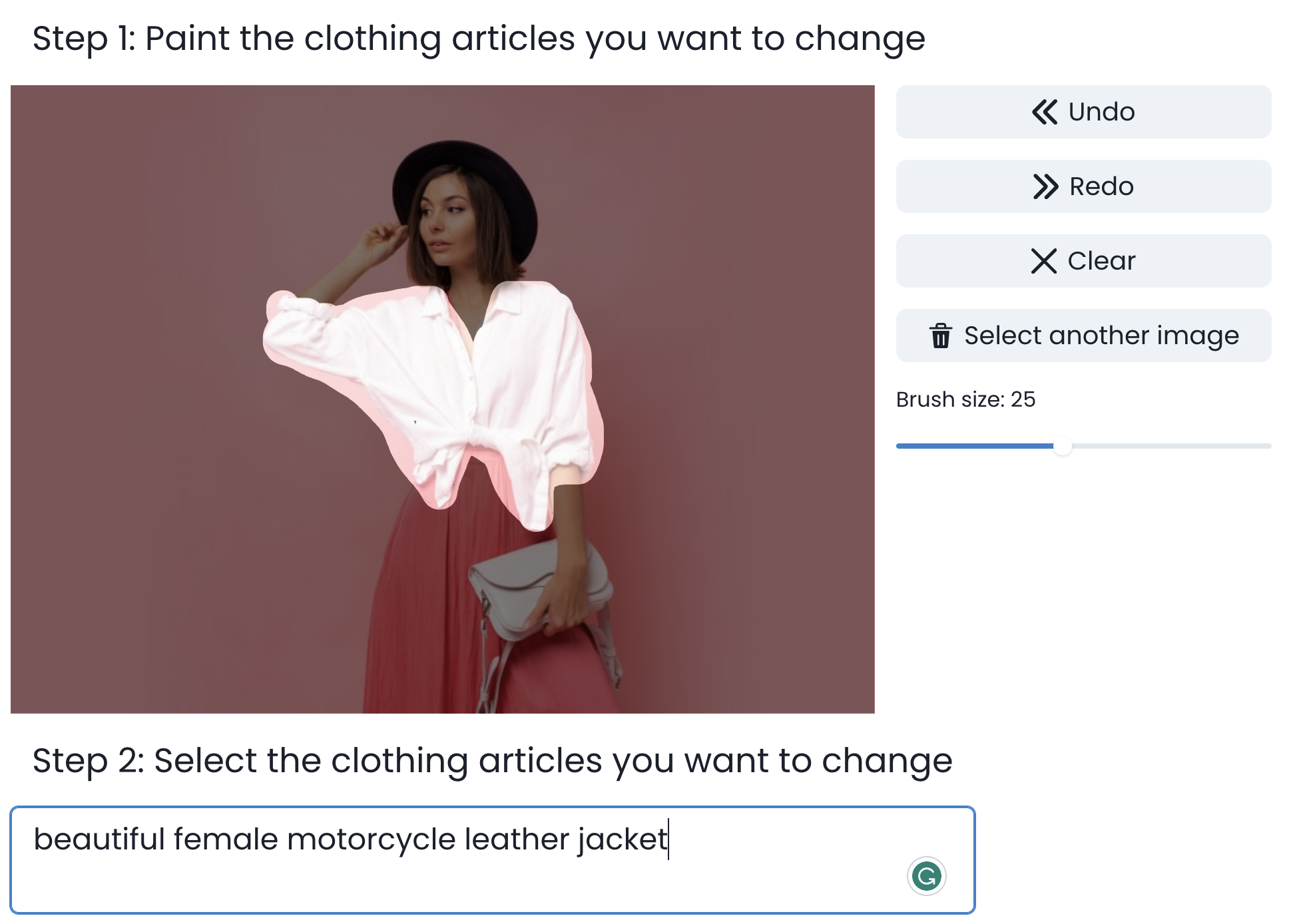
Step Three - Paint the clothing article you want to change
You can click on the image to paint. You can also choose a better brush size for your selection.
Step Four - Describe what you want
In the prompt box, describe the changes you want to see in your attire.
Step Five - Generate
Click 'Generate' to let our AI create your redesigned clothing.
Step Six - Review & Share
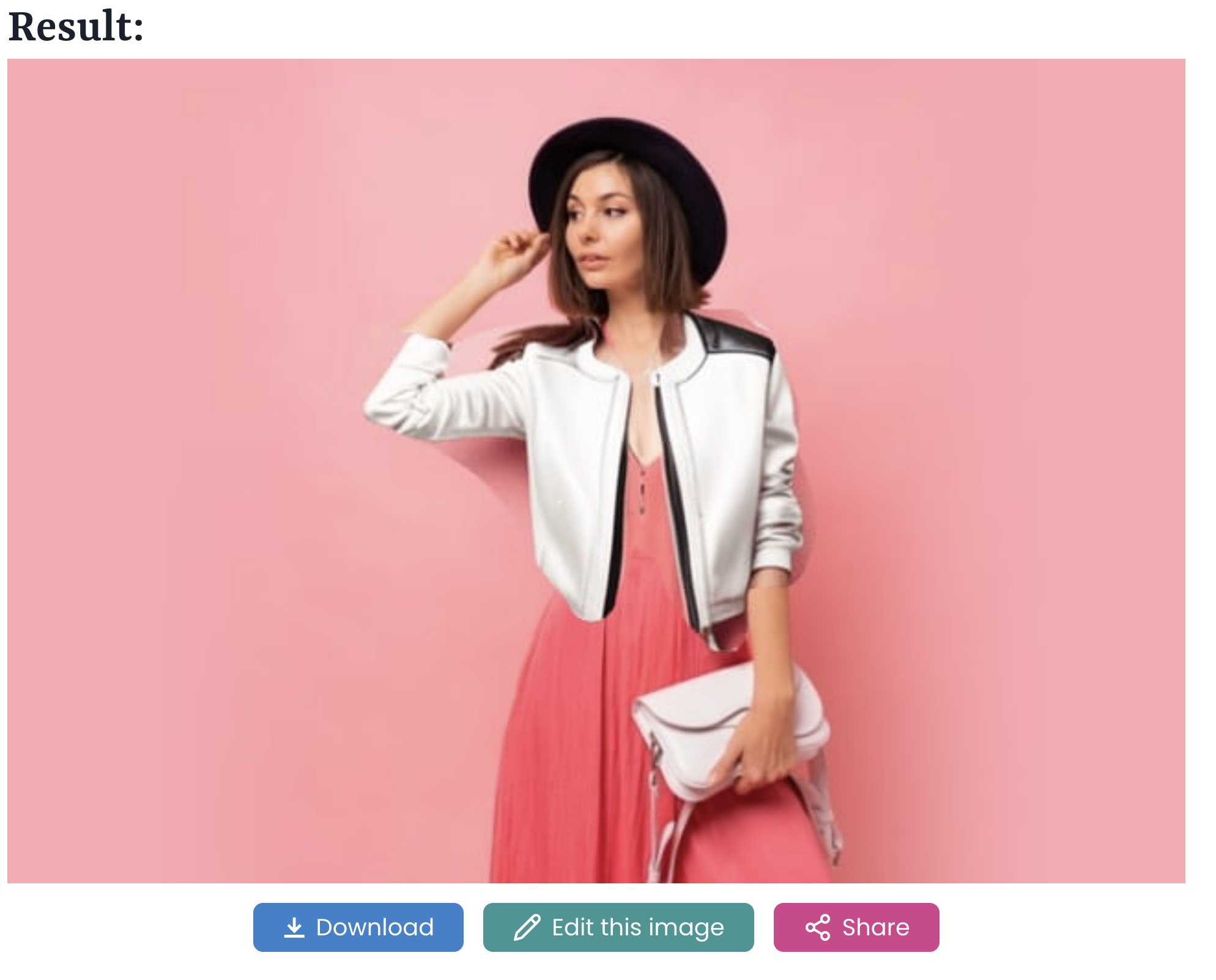
Once your image is ready, you can download it, edit it again for new changes, or share the link for it with your friends.